
[:en]
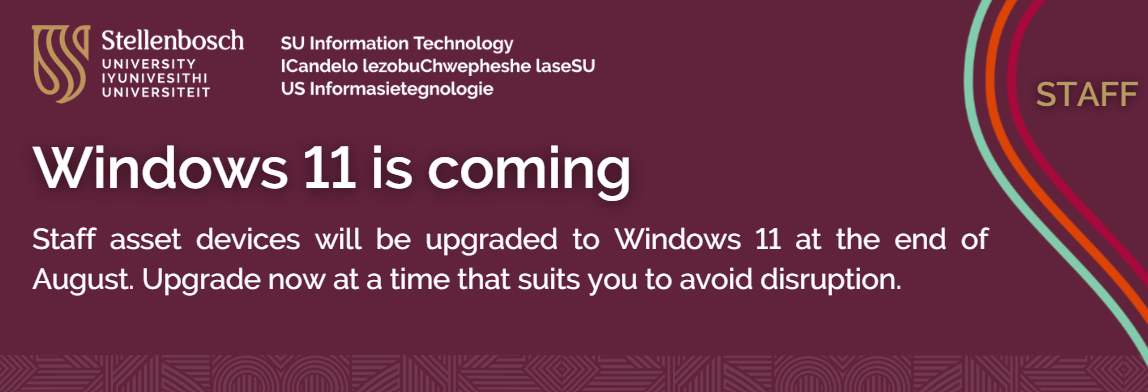
The Information Technology Division is preparing to begin the final phase of the Windows 11 rollout at Stellenbosch University. Most Windows 10 devices that meet the requirements will now automatically be upgraded, unless they have already been manually updated. Staff and students have had the opportunity to upgrade on their own, but the IT Division is now moving forward to ensure all suitable devices are brought up to date, starting at the end of August.
This upgrade is necessary to keep devices secure, supported, and compliant because Windows 10 is about to reach its End of Life and will no longer receive important security updates.
Important: Please don’t stop the upgrade process.
When your device restarts to start the upgrade,
- Do NOT turn it off, unplug it or force it to shut down.
- Stopping the upgrade could damage your system and make your device useless.
- Although the installation process is automated, it will ask to restart; simply wait for it to finish. Your device will restart several times.
What you must do right away
If Windows 11 is compatible with your device:
- You still have the option to manually upgrade whenever it is convenient for you:
- Select Windows Update under Settings.
- Under optional updates, choose Windows 11, version 24H2.
- Select “Download” and “Install.”
This enables you to control the timing prior to the upgrade being implemented.
What happens if you don’t see the update?
Your device might not have the required hardware specifications or there may be a software issue preventing the update from installing if Windows 11 is not visible under Windows Update.
If so,
- Go to the ICT Partner Portal
- Choose the “Upgrade my computer” tile
- Fill out the request form so we can evaluate your device.
If your device cannot be upgraded, a technician will help to confirm compatibility or offer suggestions for alternatives.
The significance of this upgrade
- Support for Windows 10 is ending: After October 2025, security patches will no longer be available.
- Windows 11 offers greater security: Best used with Microsoft Defender for Endpoint, our enterprise-grade antivirus programme.
- Up-to-date features and compatibility: Enhanced power and memory efficiency, enhanced performance and compatibility with the newest applications.
There is not much time left – act NOW to avoid disruptions.
For assistance, log a request on the ICT Partner Portal.
[:]

Tags: Microsoft 365